
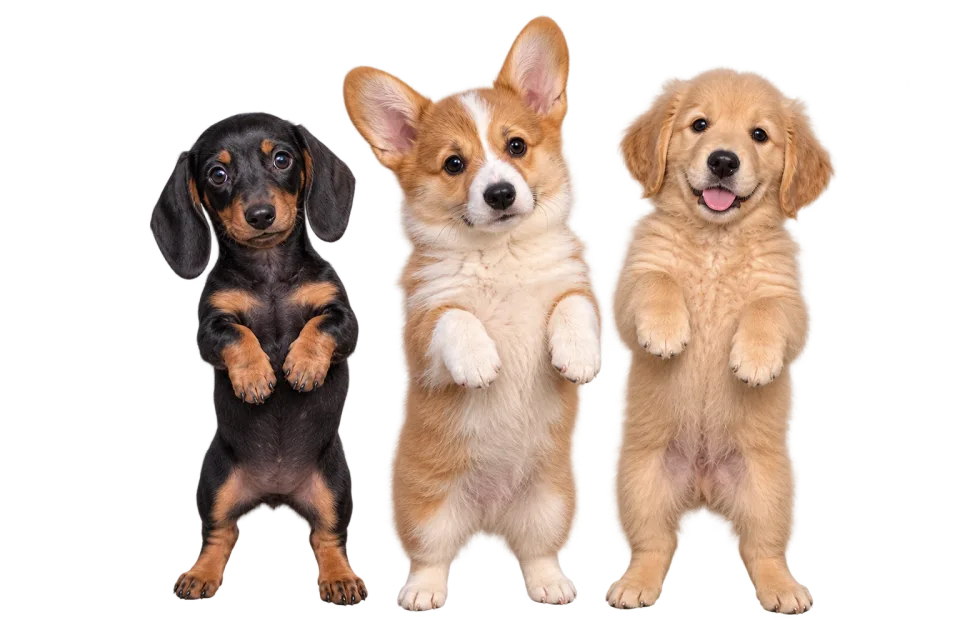
Start with a photo you already love
Start an AI dog dance with your own photo or original character. Choose visible legs and space around the ears; no need to record your dog performing a dance.
Turn a dog photo into a dance video.Make an AI dog dance from your photo. Add a dance reference, preview the movement, and download a clip for a birthday or pet post.
Turn a favorite portrait into an AI dog dance. Choose a dance that suits the body shape, then preview a clip built around your dog's own personality.
Start an AI dog dance with a clear photo or an original mascot. Your image guides the appearance; the dance video guides movement. No need to train or film your dog doing the dance.
Animate your photoChoose a template or upload your own reference for an AI dog dance. Compare the stance and camera distance: short legs, long bodies and upright mascots do not fit every dance equally well.
Find a dance referenceWatch your AI dog dance before saving the MP4. Add a birthday message, crop for your pet account or send the dance privately. Review the ears, paws and coat through the full clip.
Create your dance videoBuild an AI dog dance from one clear image and a simple reference. Preview the full dance before downloading.
Choose one dog with a clear face, visible legs and room around the ears and tail. Avoid a tight headshot for a full-body dance.
Start with a slow bounce or small steps. A short dance with a steady camera makes changes to legs and fur easier to spot.
Check the displayed credit cost, generate, then preview and download your MP4. Results vary with the image, motion and model.
Your image, your choice of dance, and an AI dog dance video you can download.
Start an AI dog dance with your own photo or original character. Choose visible legs and space around the ears; no need to record your dog performing a dance.
Set the pace of your AI dog dance with a template or your own reference. Start with a short dance that suits the source pose.
Make an AI dog dance in your browser: upload, choose movement and generate. No animation software or timeline to set up.
Preview the AI animation and save your dog dance as an MP4. Add captions, trim the dance or adjust its crop in your own editor.
Create an AI dog dance for a birthday, a pet feed or a friend. Start with a recognizable expression and let the dance fit the occasion.
Make an AI dog dance for a birthday or adoption anniversary. Download the dance and add the date or a personal greeting in your video editor.
Mix an AI dog dance into your usual walks and portrait posts. Use a full-body photo, keep the dance simple and label the clip as AI-generated when sharing.
Bring an original mascot into an AI dog dance. An upright illustration can be easier to match to a standing dance reference than a seated or lying-down photo.
With permission to use a friend's photo, create an AI dog dance as a small digital gift. Add a message after downloading to make the dance personal.
Have a different subject in mind? Start with a page tailored to your photo.
Check the credit cost of your AI dog dance before submitting. Compare plans and credit packs, then choose the model for your next dance.
Upload a dog image and choose a separate dance video. AI uses the image as the appearance reference and the video for motion. Preview the generated dance before downloading; anatomy and coat details can change.
For a first attempt, choose one dog. Overlapping subjects make it harder for the model to decide which body should follow the reference. This page does not provide a dedicated multi-dog control.
No. Body length, leg length, long fur and the chosen motion can all affect the result. Use a clear outline and try a simple reference; there is no breed-by-breed quality guarantee.
Download the generated dance and add your message with a separate video editor. Choose the final crop there too, checking that the ears and paws stay in frame.
Fine fur and markings can shift between generated frames. Better lighting and a less cluttered source image give a clearer starting point, but exact appearance throughout the clip is not guaranteed.
Generating a video requires credits: AI Dance Pro uses 10 credits per started second (3-second minimum); AI Dance Lite uses 35 credits per video. The price appears before generation. A 10-credit signup bonus alone is not enough for a video.
Yes. Upload a reference video you have permission to use, or choose a template from the library. Check the selected model's duration and file requirements before generating; those limits are shown beside the upload control.
Download the MP4 and use a separate editor for captions, music changes or a different crop. Preview the entire video, check that you have rights to its image and audio, and follow the platform's rules for AI-generated content. Start with a single dog. Generate separate clips for multiple pets and assemble them in an editor if you want a group greeting.
Compare the reference stance with your dog's proportions. A long body and short legs need a different starting point from an upright mascot; begin with modest movement and a steady camera. Short-legged and long-bodied dogs may not follow adult human proportions cleanly. Use simpler motion and check whether the output preserves the features that make your dog recognizable.
Check whether the reference assumes a very different body shape. Choose a simpler stance or a more suitable source image before trying again. Use even lighting and a background that separates clearly from the coat. Compare frames during movement as well as the opening pose.
Have a photo in mind? Head back to the generator and choose a dance reference.
Open the generator