


Keep both faces easy to recognize
Choose a separate, well-lit portrait for each dancer. Leave the hairline, cheeks and chin in frame. A waist-up photo gives the model more of each person’s build.
Turn two photos into a Christmas pajama dance.Cast yourself and a partner in the All I Want for Christmas AI dance. Sway in plaid pajamas, take each other’s hands and turn across the kitchen.
In our 12-second 480P test, the dancer using Dario Amodei’s portrait started at back left and the one using Jensen Huang’s started at front right. Both remained distinct immediately after the turn. Around 10.3 seconds the new front-right face began to change. By the last second both resembled Huang. This was the first version. The revised instructions have yet to be tested.

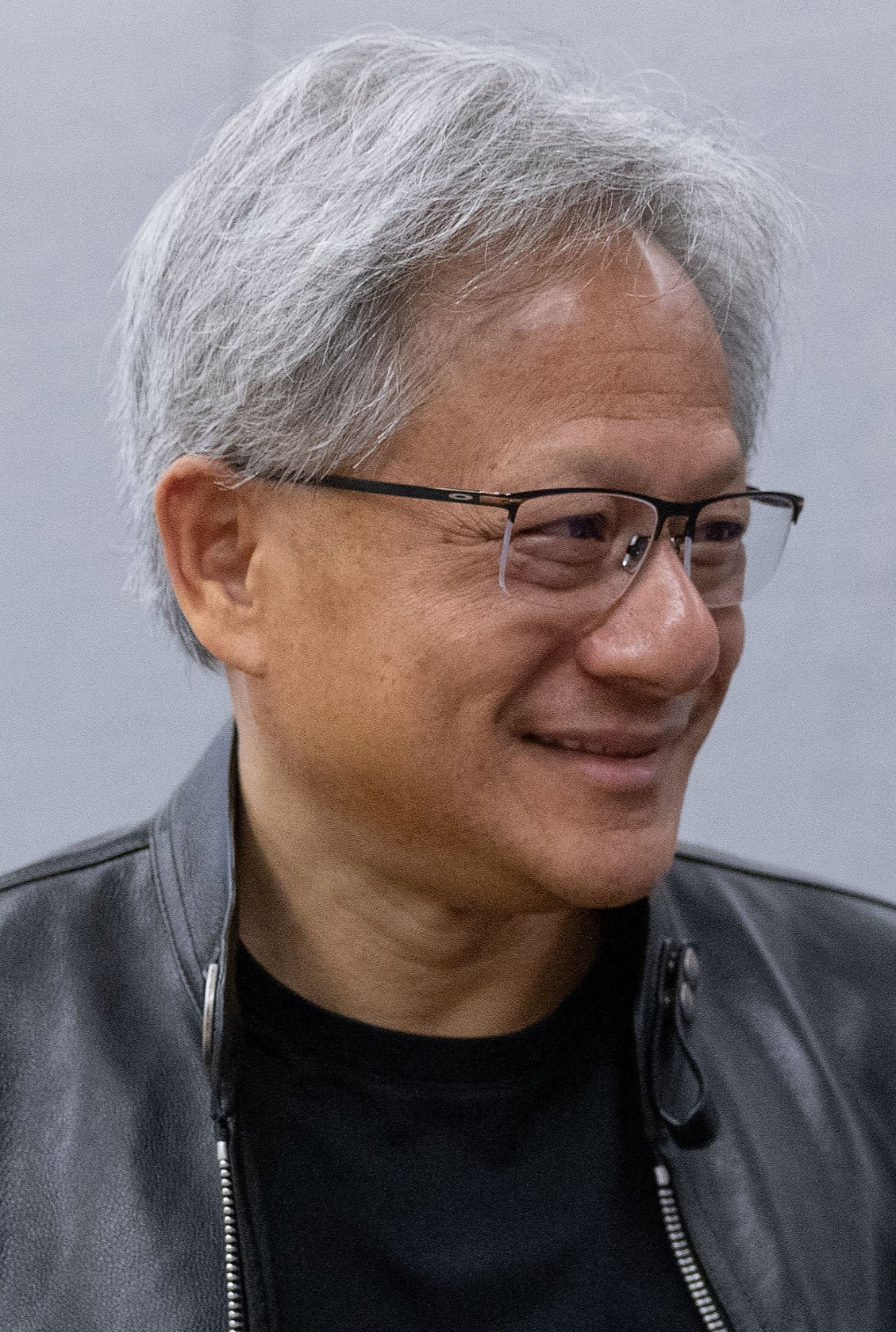
Dario Amodei · TechCrunch / Kimberly White, Getty Images for TechCrunch · CC BY 2.0
The pair starts on a diagonal in matching plaid pajamas. They sway their hips, take hands and turn past each other.
The dancer who starts at the front right raises both arms at the finish. Their partner begins at the back left and keeps their hands lower.
Watch @calysta.belle’s pajama danceMakeViral credits Ayiah Soufi and a friend with the November 2026 choreography. This reference follows Calysta Belle dancing with her mom in a sunlit kitchen. Their matching plaid pajamas make the flip in their positions easy to miss on first watch. MakeViral
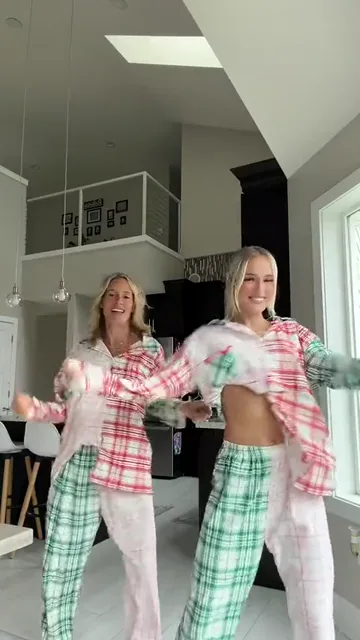
The dancer on your left starts a step farther back. Both face the camera and shift their hips, lifting their hands near their shoulders.
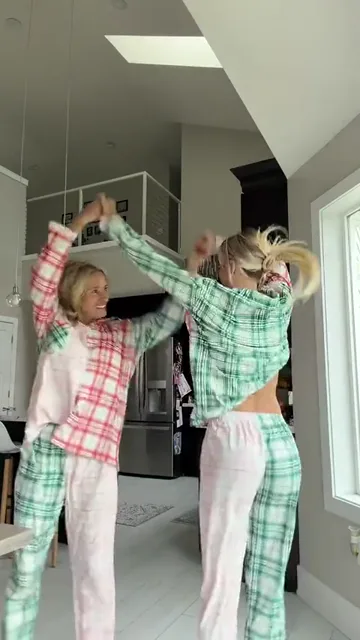
They turn toward each other and dip. With hands joined, they lift their arms into an arch and circle past one another. The dancer who started on the right briefly has their back to the camera.
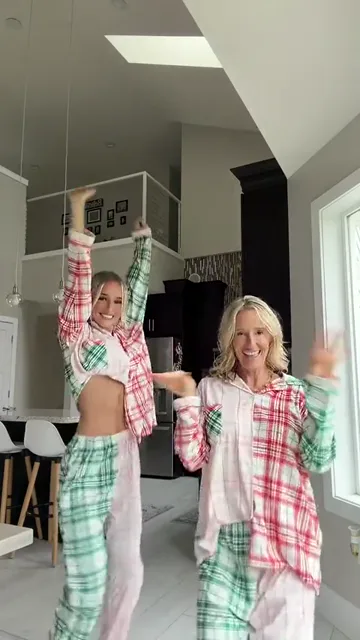
By about 8.5 seconds the opening left dancer is on the right, closer to the lens. The opening right dancer finishes on the left with both arms overhead.
Add one clear photo per dancer. Assign the roles by where they stand at the start. Swap the photos to give the other person the raised-arm finish.
The clip runs for 12 seconds. Choose 480P or 720P to see the credit cost before generating.
Watch both faces as the dancers pass. Each person should finish the turn with the face they started with, and their hands should meet cleanly.
Choose a separate, well-lit portrait for each dancer. Leave the hairline, cheeks and chin in frame. A waist-up photo gives the model more of each person’s build.
If you only have a photo together, crop a separate portrait of each person. Check that your partner’s face or shoulder hasn’t made it into your crop.
Choose a resolution to see the credit total on the button. Uploading photos does not start generation.
Put that person in the front-right slot at the start. They finish at the back left. Use the swap control before generating to reverse the two assignments.
No. The kitchen and matching plaid sleepwear come from the dance clip. Your photos supply the dancers’ appearances.
The template uses the reference audio, a sped-up excerpt of Mariah Carey’s “All I Want for Christmas Is You.”
This version follows one 12-second excerpt. The 480P and 720P options change the image resolution and keep the same soundtrack and turn.
Look at the joined hands around six seconds, then pause after the dancers separate. Check the front-right face again during the last second, especially if both people wear glasses or share a similar hairstyle.