
Give the rider room to turn
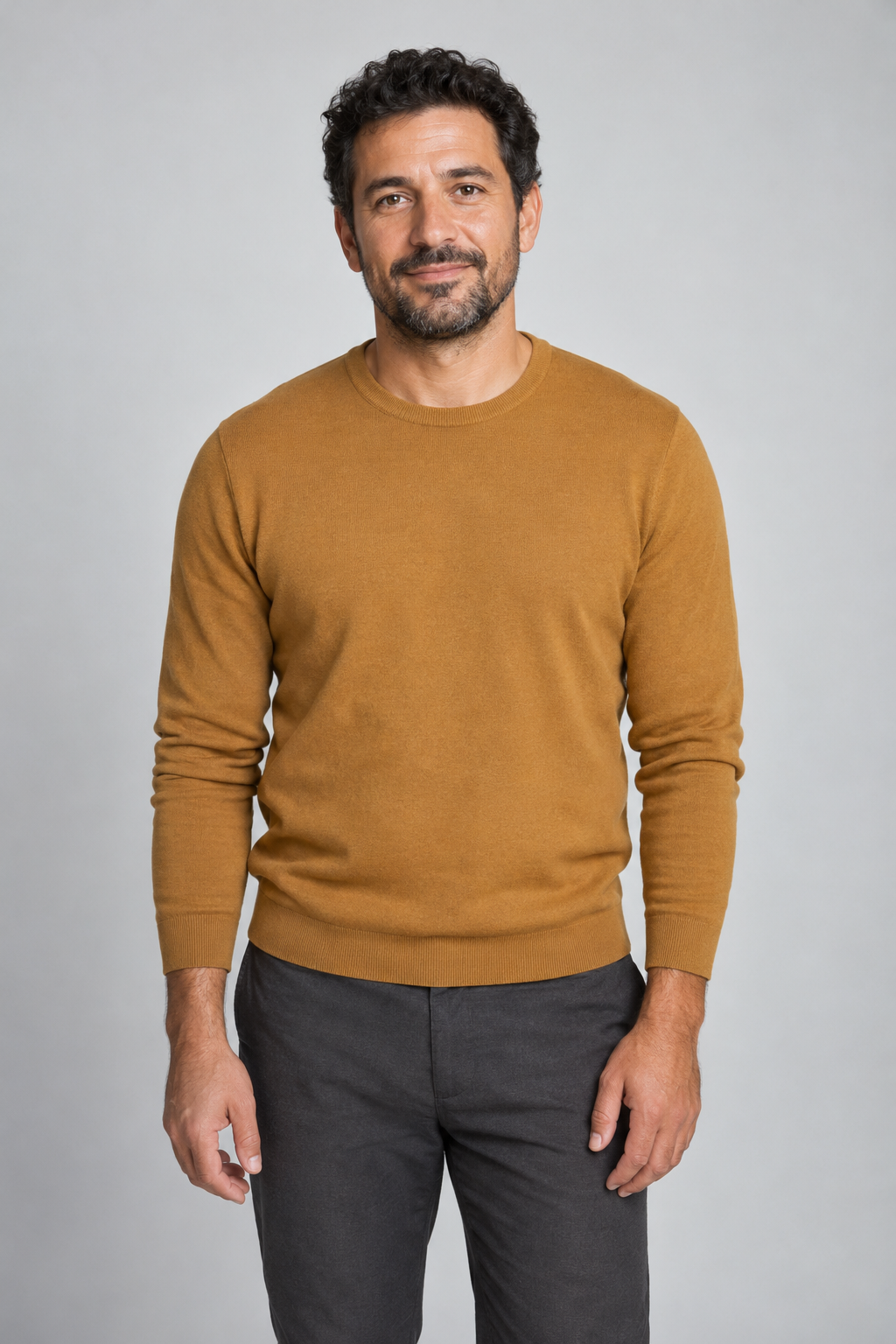
Use a well-lit standing portrait with one face in view. A close selfie gives little information about trousers or shoes, which become visible as the rider climbs on.
One rider photo, one pet photo. Hail your giant pet and ride home in 12 seconds.In the Cat Taxi AI trend, you wave for a ride after work and a giant pet pulls up at the curb. Upload the person who will ride, then the pet who will carry them home.
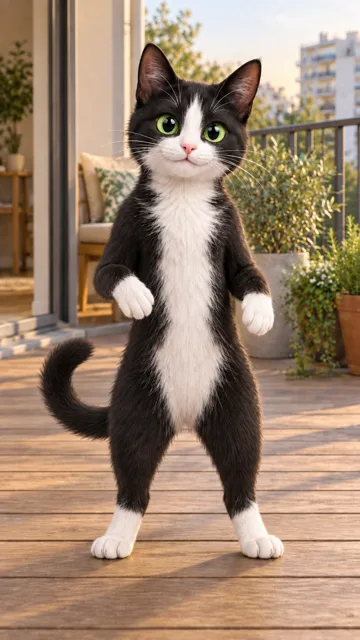
At about four seconds the man in the mustard sweater touches the cat’s cheek. Watch his leg swing over at six seconds. Pause at eight to see him look back and flash a peace sign. The cat still has the white blaze, chest and front paws from its photo. It carries him away down the street. His bag slips out of sight as he gets on.
A commuter waits with a bag on a quiet street. What looks like a distant animal turns into a giant calico, tall enough to carry the commuter home.
The cat lowers itself next to the curb. Watch the difference between the first touch on its cheek and the moment the rider is actually sitting on its back. Only then does the cat stand and set off.
View the Cat Taxi repost on TikTokMakeViral links this nighttime calico version to a November 2026 repost by @kittymeow348. The person who first uploaded the scene is unknown. MakeViral · Pet Taxi
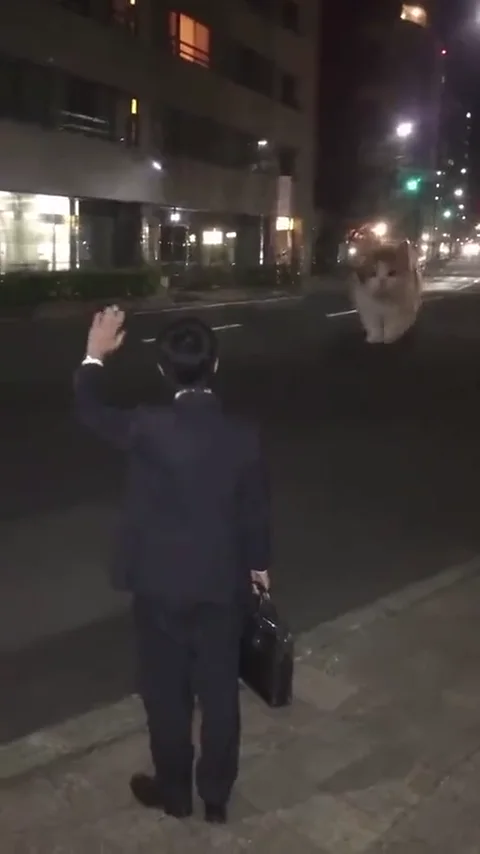
The rider raises a hand with the other hand holding a bag. The pet comes toward them from further down the road.
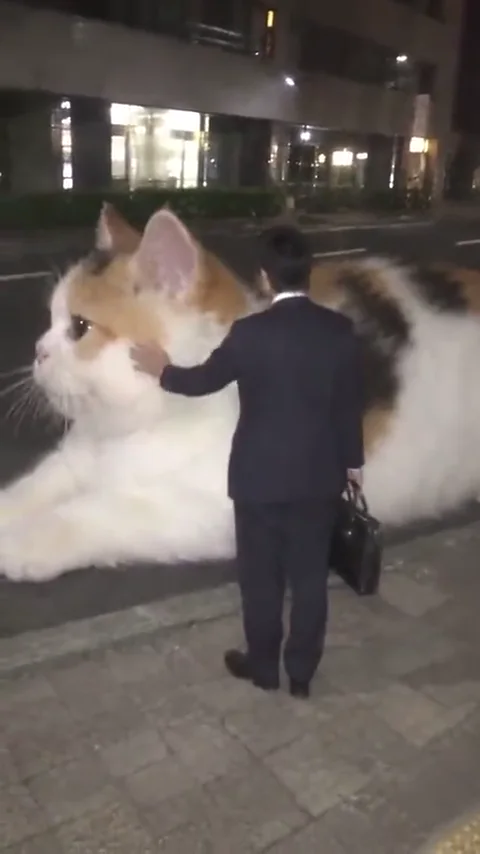
The cat crouches close enough for the rider to stroke its cheek. Follow the rider's leg as it passes over the back and their weight settles.
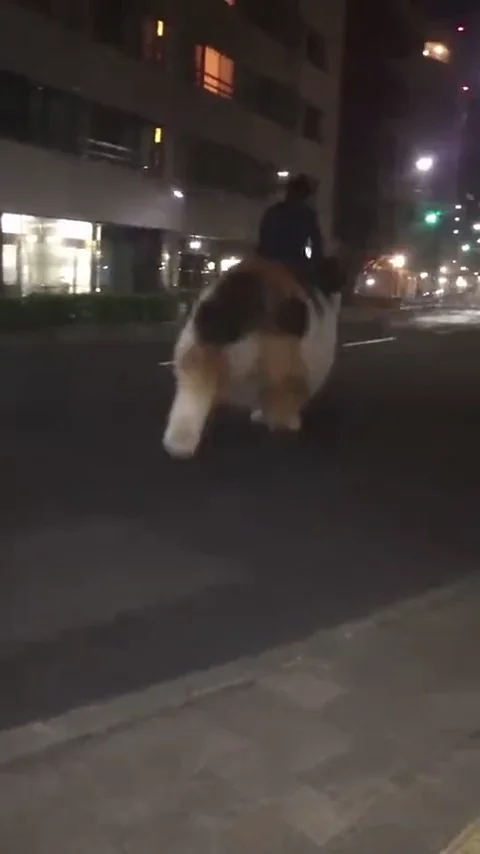
The cat rises with its passenger on board. Both get smaller together as they head away along the street.
Add the rider in the first slot and the pet in the second. Check both thumbnails before generating, especially if you selected them from the same phone album.
The vertical clip runs for 12 seconds. Select 480P or 720P and read the credit total on the button before starting.
Open the finished clip in History. Watch the rider's knee pass over the pet's back, then check that the passenger stays seated when the pet starts to move.
Use a well-lit standing portrait with one face in view. A close selfie gives little information about trousers or shoes, which become visible as the rider climbs on.
Choose an uncropped side or three-quarter view. A blaze on the face, a patch on the flank or a tail tip gives you something specific to compare as the animal turns.
Choose a resolution to see the credit total on the button. Uploading photos does not start generation.
Yes. Put a photo of yourself in the rider slot and a separate photo of your cat in the pet slot. The night street comes from the reference.
Both slots are required for this version. If you only have a picture of your pet, take a separate portrait for the rider before starting.
Yes. Put a clear photo of one dog in the pet slot. Include the muzzle, sides and paws so you can recognise it as it turns. The example on this page was made with a cat.
The photo guides the face and coat. Markings hidden from view have to be inferred, and fine stripes can disappear in the distant final shot. Compare the flank when the pet crouches.
Watch the brief turn toward the camera after the rider gets on. Most of the opening and departure show the rider from behind or at an angle.
The template supplies the motion and street scene. You need the two photos and your choice of output quality.
Use two separate images. If that picture is all you have, crop one copy around the rider and one around the pet. A separate full-body pet photo works better when your arms hide its feet or back.