

Choose a separate photo for each partner
Give each person a well-lit portrait with the whole face and hairline visible. The two pictures can come from different places. The clip supplies the snow and holiday lights.
Make a snowy partner dance from two photos.Try the Sia Snowman dance with a photo of each partner. Meet in a snowy square, take hands and turn together beside a lit Christmas tree.
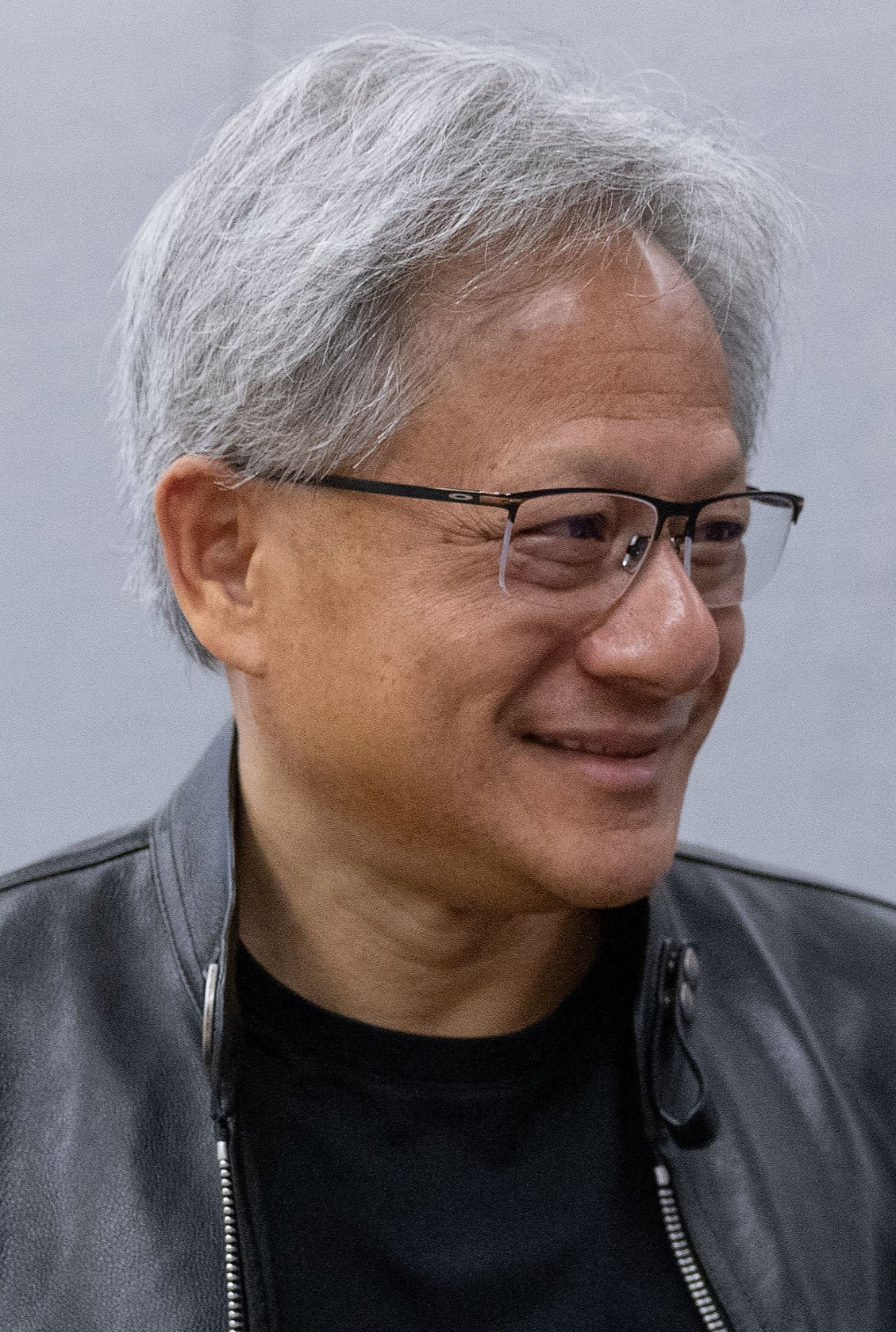
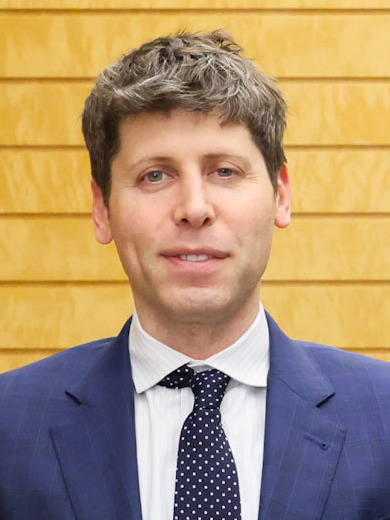
The 12-second, 480P How to example starts with Jensen Huang in a light winter coat on the left and Sam Altman in a dark coat on the right. Jensen’s gray hair and glasses are visible again when the partners come out of the close turn. One face is briefly hidden near the middle. The preview shows that moment and the same two people on opposite sides afterward.
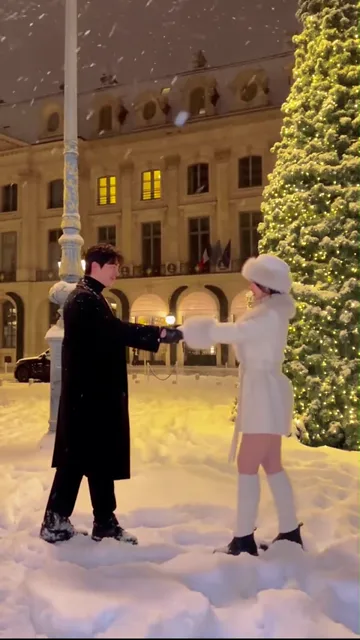
One dancer in white starts at the left, facing a partner in black on the right. A lamppost and the lights of the square frame their opening steps.
They take hands, turn close together and open out again. Both keep their feet in the snow through the end of the 12-second clip.
Watch @kkubi99’s dance in the snowThe reference is @kkubi99’s outdoor dance to Sia’s “Snowman.” Our cut starts at the beginning of the creator’s 16-second clip. The Christmas tree, lamppost and snowy paving stay in view as the dancers approach each other.
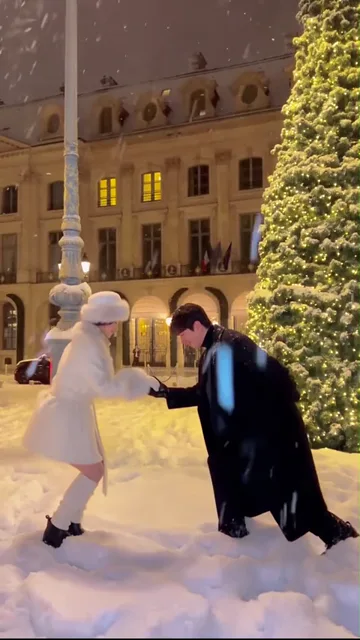
The dancer in the dark coat leans in from the right and offers a hand. The dancer in white steps in from the left to take it.
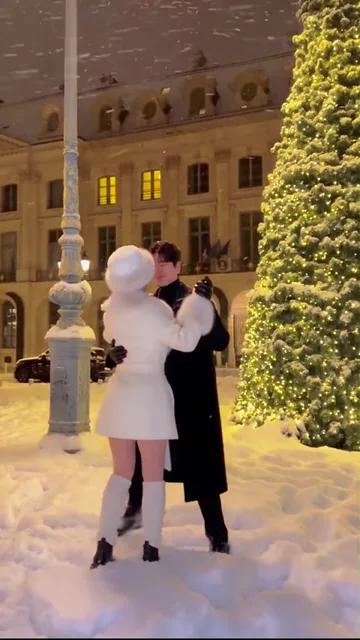
After a few small steps, the partners meet near the center. Around six seconds they bring their arms in and start turning together. Their faces briefly overlap from the camera’s point of view.
Around ten seconds their joined arms stretch out again. The dark coat is now on the left and the light coat on the right. The 12-second cut ends before the lift in the longer recording.
Add one clear photo for each partner. Assign the opening left and right roles from the camera’s point of view.
The clip runs for 12 seconds. Choose 480P or 720P to see the credit cost before generating.
Check the joined hands and watch both faces as the partners cross. Each face should follow its dancer to the other side.
Give each person a well-lit portrait with the whole face and hairline visible. The two pictures can come from different places. The clip supplies the snow and holiday lights.
Put the first portrait in the opening left slot for the light coat, and the second in the opening right slot for the dark coat. If a particular person should lead the first hand offer, put their photo on the right.
Choose a resolution to see the credit total on the button. Uploading photos does not start generation.
Use two individual images. If you start from a couple photo, make two clear crops with just one face in each and upload them to the opening left and right slots.
Use the right slot for that person. The dark-coated partner reaches out first. The role stays with that person after the dancers change sides.
This version takes place outside in a snowy square. Both dancers turn on foot next to a lit tree. The source continues into a lift after the 12-second cut. The indoor pajama dance uses different footage.
No. The square, tree and coats come from the reference. Choose photos for a clear view of each face. The sample turns two indoor portraits into the outdoor duet.
Yes. The finished clip uses the audio from the same 12 seconds of @kkubi99’s Snowman performance. You can hear the reference timing in the downloaded video.
Watch the meeting hands, then follow a feature such as a hairline or glasses through the turn. It is normal for a profile to disappear behind the partner briefly. Check who reappears on each side.