

Recommended
- One person per photo, facing the camera or at a slight angle.
- A sharp face, visible hair and enough of the outfit to show their appearance.
- Even light and natural facial detail in both portraits.
Two photos. One nightclub encounter.Two photos. One nightclub encounter. Create your version of the 3MSC club scene with a cinematic balcony, crowd and spotlight.
A 15-second, 480P AI-generated nightclub encounter with Hawking in the balcony role and Einstein on the dance floor, using the two photos shown above.
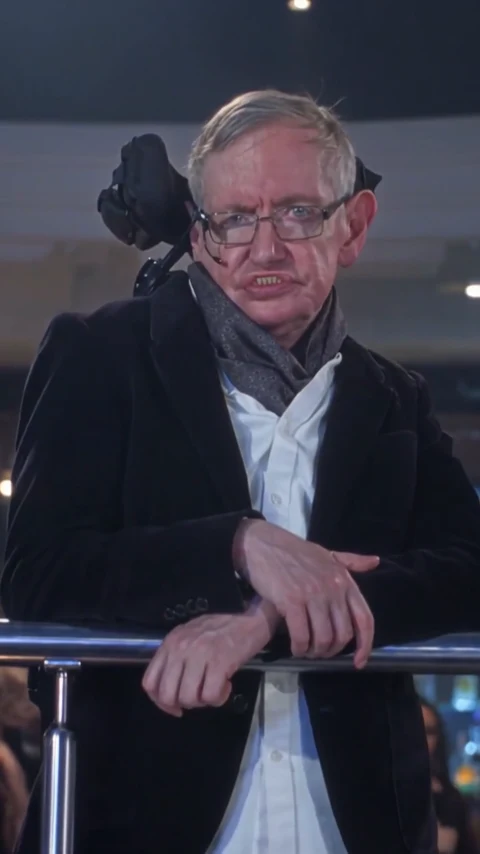
01Balcony
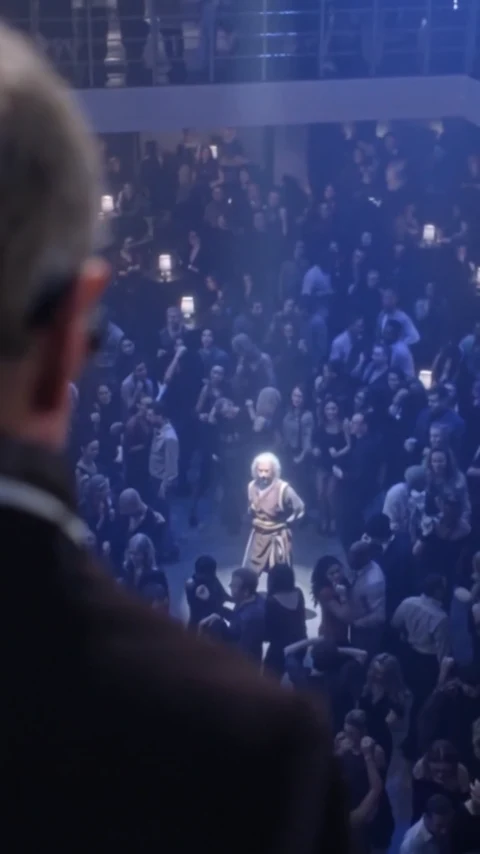
02Across the crowd
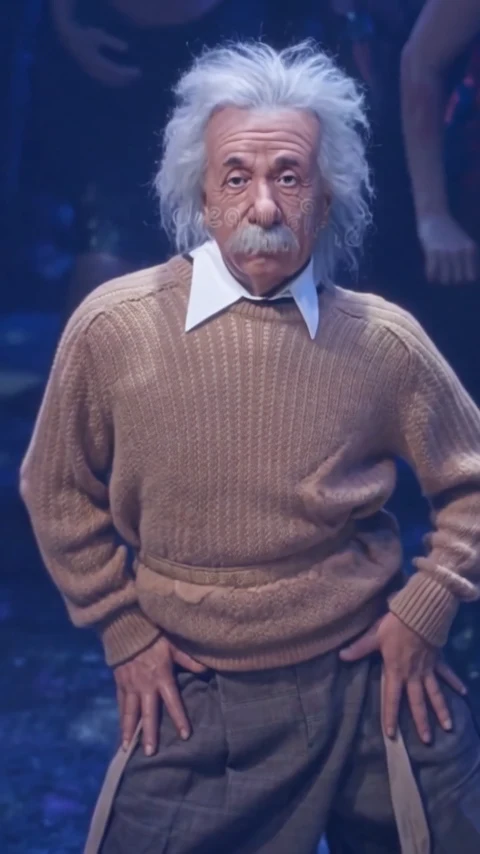
03Dance floor
A two-person nightclub trend associated with Tres metros sobre el cielo, often shortened to 3MSC.
An elevated balcony, a crowded dance floor and a spotlight connect two people in a dramatic nightclub sequence. The appeal is the encounter across the room and the shift between the two viewpoints.
View the trend reference pageYou may also find this scene under La Tormenta de Arena AI or Te perdí entre la multitud. Check the preview to identify the balcony-and-dance-floor version.
The linked page documents the scene and its two-photo format. It does not establish the trend's earliest creator.
The source presents the balcony and dance-floor composition as a photo-based reinterpretation of the 3MSC club scene.
View the trend reference pageChoose a portrait for each slot and review the selected settings. The example shows the exact two photos alongside this template's generated result.
Prepare two clear portraits, check your settings and review the completed clip.
Upload a portrait to Balcony person and another to Dance-floor person. Check both thumbnails before generating.
Choose 15 seconds for the complete encounter. The 5-second opening shows only the balcony person. Select your resolution and check the displayed credit total.
Follow the task in History, then preview and download your video. Check both faces and every shot before sharing.
Start with a separate, clearly visible portrait for each person. A nightclub background is not needed in your uploads.

Focus on your cast and let the selected reference guide the setting and sequence.
Keep each portrait assigned to its named role throughout the setup.
Use the reference's lighting, crowd and camera changes as the visual starting point.
Preview the entire result in History. Faces, hands, clothing and motion may vary between generations.
The generation button shows the credit total for your selected settings before you submit.
Choose 5 or 15 seconds in vertical 9:16, at 480P or 720P. Default: 15 seconds at 480P. The 5-second opening shows only the balcony person; choose 15 seconds for the complete encounter through the crowd to the spotlight.
Sign in to check your balance and the quoted credits. Each new generation is a separate paid attempt.
The live quote is the current total. AI results can vary; review a completed attempt before paying for another.
Use this template for the nightclub encounter. AI Character Swap lets you bring a different video.
Try another two-person performance or use your own reference video.
That name is also used for the 3MSC nightclub trend. This page is for the two-person balcony and dance-floor scene. Use the reference preview to check that it is the version you want.
Two individual photos: one for Balcony person and one for Dance-floor person. Use one clearly visible person in each photo and check the labels above the uploads.
Yes. Upload the same clear portrait separately into both slots. The scene still contains two separate people; review the result to see how the appearance transfers.
Choose 5 or 15 seconds in vertical 9:16, at 480P or 720P. Default: 15 seconds at 480P. The 5-second opening shows only the balcony person. Choose 15 seconds to include the crowd, the spotlight and the dance-floor person.
Select your length and resolution to see the current credit total on the generation button. Sign in to check your balance before submitting. Each new attempt has its own charge.
The selected reference audio accompanies the video. Generation does not grant rights to that music or guarantee that a social platform will retain it. Check the permissions for your use, or mute or replace the sound before sharing.
Exact likeness is not guaranteed. Camera changes, low light and motion can affect facial detail, clothing and hands. Use clear portraits and inspect the whole clip, especially transitions between shots.
Open History to check progress, preview the result and download it. Confirmed technical failures return the credits charged for that task. If its status is unclear, check the existing task before starting another paid attempt.
Yes. The 15-second, 480P example was generated with the two photos displayed beside it: Hawking for the balcony role and Einstein for the dance-floor role. The reference scene and generated result are labeled separately. One reviewed sample does not establish a success rate for other photos.