
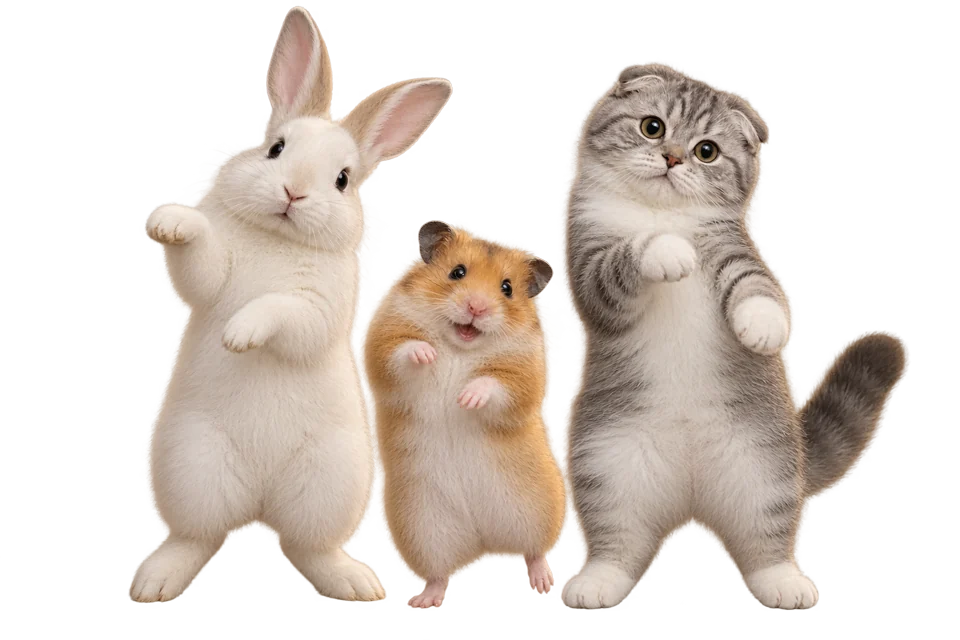
Start with a photo you already love
Start an AI pet dance with your own photo or original character. Choose one animal and a clear body outline; no need to record your pet performing a dance.
Turn a pet photo into a dance video.Turn a photo into an AI pet dance. Start with one cat, dog or original character, choose a simple dance, and preview your video.
Create an AI pet dance with a cat, a dog or an original animal character. Choose the photo and dance reference, then make a clip with a personality of its own.
Create an AI pet dance from a still image and a separate dance reference. Try a real photo or an original mascot. Cats and dogs are the main workflows; other animals are experimental and need careful review.
Animate your photoChoose a template or upload a reference for your AI pet dance. Compare stance, framing and speed first. A general dance reference is not a tested preset for every animal, so start with a simple move.
Find a dance referenceDownload your AI pet dance as an MP4 for a birthday, a reaction or a social post. Add captions in an editor. For a group dance, generate separate clips and combine them afterward.
Create your dance videoCreate an AI pet dance by matching one clear animal image to a suitable reference. Review the dance before sharing.
Upload one recognizable pet with visible limbs and room to move. Check the cat or dog guide for photo advice; other animals are experimental.
Pick a dance that fits the image's pose. Start with modest movement rather than a complicated routine or fast turns.
Check the displayed credit cost, generate, then preview and download your MP4. Results vary with the image, motion and model.
Your image, your choice of dance, and an AI pet dance video you can download.
Start an AI pet dance with your own photo or original character. Choose one animal and a clear body outline; no need to record your pet performing a dance.
Set the pace of your AI pet dance with a template or your own reference. Start with a short dance that suits the source pose.
Make an AI pet dance in your browser: upload, choose movement and generate. No animation software or timeline to set up.
Preview the AI animation and save your pet dance as an MP4. Add captions, trim the dance or adjust its crop in your own editor.
Choose an AI pet dance idea below. Cats, dogs and illustrated characters need different source images, but each dance starts with a clear pose.
Plan an AI pet dance around a feline expression, visible paws and a clear tail. The cat dance guide covers photo choices, memes and what to check when movement changes the anatomy.
Explore cat dance ideasMake an AI pet dance for a birthday or a playful post. The dog dance guide helps you compare body length, legs and fur with the stance in your reference.
Explore dog dance ideasTry an AI pet dance with a full-body mascot you own. An upright character can suit a standing dance; other species remain experimental, so inspect their shape and movement.
Create an AI pet dance from an authorized photo for a birthday or adoption anniversary. Add your message in an editor to give the dance a personal touch.
Check the credit cost of your AI pet dance before submitting. Compare plans and credit packs, then choose the model for your next dance.
Choose the cat page for cat-specific photo and motion tips, or the dog page for advice on proportions, fur and dog dance ideas. Stay on this pet page if you want to compare the options or try an original pet character.
You can experiment with other animal images, but we do not claim verified support for every species. Clear limbs and a simple silhouette help you assess the result. Start short and check for anatomy changes before sharing.
Start with one pet. Overlapping animals can make subject selection and body movement less predictable. For several pets, generate separate clips and combine them in an editor.
Use a template if its pose and movement suit your image. Upload your own reference if you have a better match and permission to use it. A general dance template is not a promise of a tested result for every animal.
Watch the whole clip for extra limbs, changing faces, shifting fur and awkward movement. Check your rights to the image, motion and audio, and make it clear that the animation is AI-generated.
Generating a video requires credits: AI Dance Pro uses 10 credits per started second (3-second minimum); AI Dance Lite uses 35 credits per video. The price appears before generation. A 10-credit signup bonus alone is not enough for a video.
Yes. Upload a reference video you have permission to use, or choose a template from the library. Check the selected model's duration and file requirements before generating; those limits are shown beside the upload control.
Download the MP4 and use a separate editor for captions, music changes or a different crop. Preview the entire video, check that you have rights to its image and audio, and follow the platform's rules for AI-generated content. Generate one pet at a time from a clear source. If you need a group video, download the separate results and combine them outside the generator.
Check whether the reference starts upright or on all fours, then compare it with your image. Changing the page does not fix a pose mismatch; choosing a better source and simpler motion is a more useful first step. Cats and dogs need different photo checks. Non-human anatomy does not always follow human choreography, and support for other animals is experimental rather than guaranteed.
Choose another source that includes the needed paws, tail and body. Our dance generator does not include an uncropping or image-repair editor. Check whether an upright human reference is being applied to a four-legged pose. Choose a closer match rather than expecting a different subject page to fix the motion.
Have a photo in mind? Head back to the generator and choose a dance reference.
Open the generator